
AT&T review
AT&T Internet Air for gaming: ping, latency and real-world performance
AT&T's 5G home internet now out-downloads Verizon's, but it still carries the highest median ping of the three national services. Here is what that means for the games you actually play.
By Symzitech Editorial Team7 min read
On this page
Quick verdict
The short answer
Internet Air is a solid connection for casual, co-op and single-player gaming, with unlimited data and download speeds that clear most game libraries quickly. Its weak spots are latency, a modest upload and shared-address NAT, so ranked shooters, fighting games and live streaming are better served by AT&T Fiber or cable when either reaches your address.
A good fit for
- Story, co-op, sports and turn-based games
- Households that download large games and patches often
- Rural homes moving off satellite or DSL
- Renters who want service without a technician visit
Look elsewhere if
- You play ranked shooters or fighting games competitively
- You stream gameplay at 1080p or higher
- You need to host game servers or open ports
- Cloud gaming is your main way to play
Key takeaways
- Ookla's Q2 2026 data puts Internet Air at a 69 ms median latency, 160.43 Mbps download and 10.1 Mbps upload.
- That download median now beats Verizon 5G Home (126.53 Mbps), but latency trails both T-Mobile (46 ms) and Verizon (53 ms).
- Like most 5G home internet, Internet Air sits behind carrier-grade NAT, so port forwarding and hosting are usually off the table.
- Hub placement, a wired console and keeping uploads idle while you play do more for ping than any setting you can change.
What the latest speed and ping data shows
Ookla publishes median results from millions of Speedtest runs on U.S. fixed wireless services. A median is the middle result across every customer tested, so it describes a typical home rather than the best or worst one. The Q2 2026 figures are the most recent available at the time of writing.
- Median latency
- 69 ms
- Ookla, Q2 2026
- Median download
- 160.43 Mbps
- Ookla, Q2 2026
- Median upload
- 10.1 Mbps
- Ookla, Q2 2026
| Service | Latency | Download | Upload |
|---|---|---|---|
| AT&T Internet Air | 69 ms | 160.43 Mbps | 10.1 Mbps |
| T-Mobile 5G Home Internet | 46 ms | 222.72 Mbps | 18.12 Mbps |
| Verizon 5G Home | 53 ms | 126.53 Mbps | 12.2 Mbps |
The shift worth noticing is download speed. A year earlier Internet Air was the slowest of the three; it has since moved ahead of Verizon. Latency moved the other way and remains the highest of the group, and that number matters more for gaming than raw download speed does.
Ping, jitter, packet loss and bufferbloat in plain terms
Ping is only one of four network measures a player feels. A connection with a steady 60 ms often plays better than one that averages 40 ms but swings wildly, so look at all four when you test.
| Measure | What it is | What you notice when it is bad | Comfortable target |
|---|---|---|---|
| Latency (ping) | Round-trip time to a server | Shots land late, inputs feel heavy | Under 50 ms; 50 to 100 ms is playable for most genres |
| Jitter | How much ping varies from moment to moment | Rubber-banding and players teleporting | Under 10 ms |
| Packet loss | Data that never arrives | Hits that do not register, voice dropouts | Under 1% |
| Bufferbloat | Extra delay when the line is busy | Lag only when someone else streams or uploads | Loaded ping within about 30 ms of idle ping |
Wireless links are more prone to jitter than fiber or cable, because the radio signal is shared and changes with weather, foliage and network load. That is why the setup steps later in this guide focus on keeping the signal stable, not just strong.
How a 69 ms connection plays across different games
Game genres differ in how much delay they tolerate. Most modern online games also add their own latency compensation, which hides some of the gap between a wireless and a wired connection.
| Game type | Examples | Latency sensitivity | Expected experience |
|---|---|---|---|
| Turn-based and strategy | Card games, chess, 4X strategy | Low | Plays normally |
| Single-player with online features | Open-world and story games | Low | Plays normally; downloads are the main need |
| Co-op and MMO | Raids, survival and looter games | Moderate | Good on most evenings; occasional lag at peak hours |
| Sports and racing | Football, basketball, kart racers | Moderate to high | Fine for casual matches; ranked play can feel a step behind |
| Competitive shooters | Tactical and battle royale shooters | High | Playable, but wired players will often win close exchanges |
| Fighting games | One-on-one rollback-netcode titles | Very high | Rollback hides some delay; jitter shows up as stutter |
NAT type, port forwarding and party chat
Most 5G home internet services, Internet Air included, place many homes behind one shared public IP address. This is called carrier-grade NAT. It saves addresses for the carrier, but it means traffic from the internet cannot be pointed directly at your console.
- Consoles often report a Moderate, Strict or Type 3 NAT, even when the hub is configured correctly.
- Port forwarding usually has no effect, because the ports that matter live on the carrier's equipment, not yours.
- Matchmaking and party chat still work in most games, because they route through the publisher's relay servers.
- Hosting a dedicated server, or a peer-to-peer lobby that requires an open NAT, is the main thing you give up.
Game downloads, updates and streaming your play
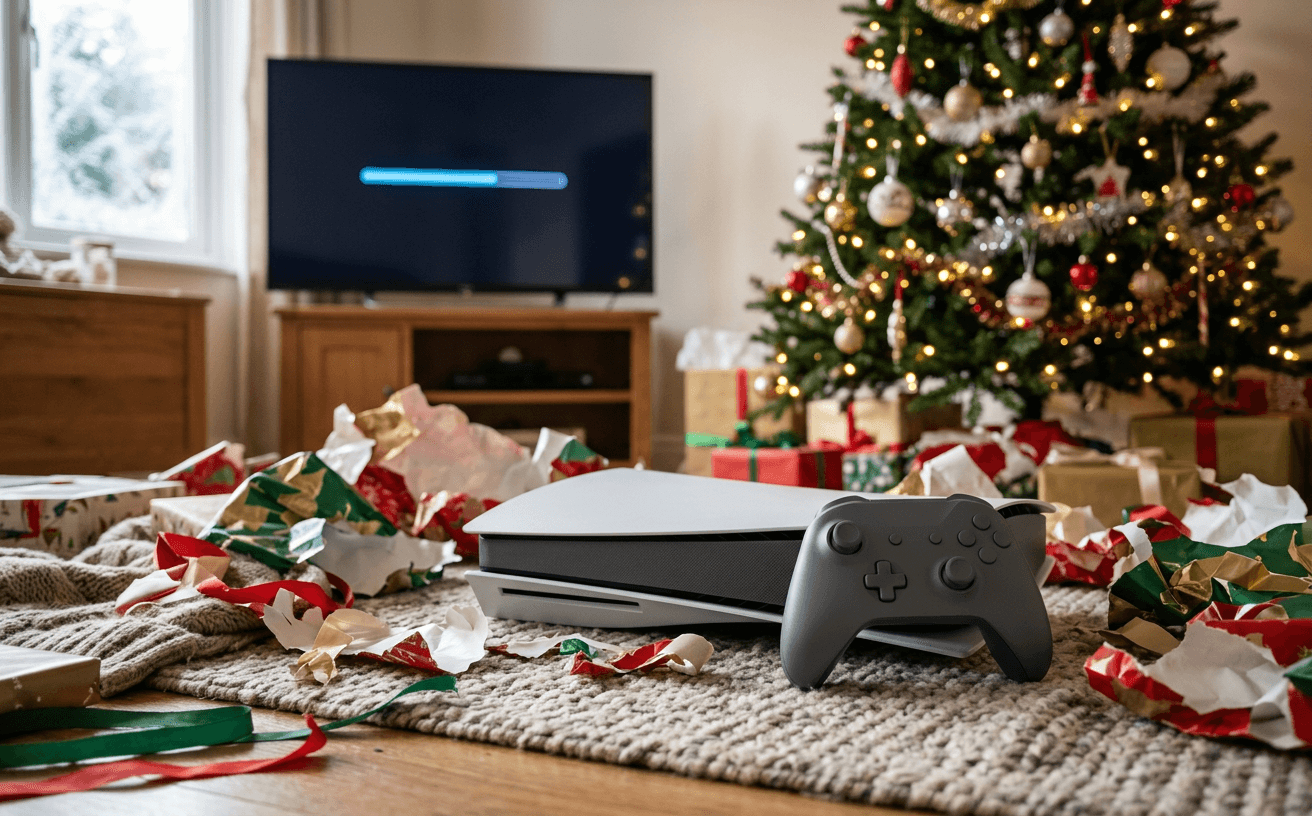
Download speed is where Internet Air is strongest for gamers. At the 160 Mbps median, a 50 GB game takes roughly 42 minutes and a 150 GB title a little over two hours. Internet Air has no data cap, so frequent patches do not run up a bill.
Upload is the tighter limit. Voice chat needs well under 1 Mbps, but common 1080p streaming bitrates sit around 6 Mbps. Against a 10 Mbps median upload, that leaves little headroom once anyone else in the home sends a photo backup or joins a video call.
Cloud gaming adds its own delay on top of network ping, because every frame is rendered remotely and sent back as video. Services typically ask for 15 to 25 Mbps of steady download for 720p to 1080p play. Internet Air usually has the bandwidth, but the higher base latency is felt more in the cloud than on a local console.
Busy hours, network management and the AT&T Guarantee
Fixed wireless shares capacity with nearby phones and homes, and evening hours are when both gaming and network demand peak. AT&T's service terms say that if your usage contributes to congestion, it can greatly reduce your speed for a minimum of 30 minutes. In practice this shows up as slower downloads and higher ping during prime time on busy cell sites.

On the other side of the ledger, AT&T has extended the AT&T Guarantee to Internet Air, which offers a bill credit when an outage lasts 20 minutes or more. Check the current terms on att.com, since eligibility rules can change.
Setup changes that lower ping on Internet Air
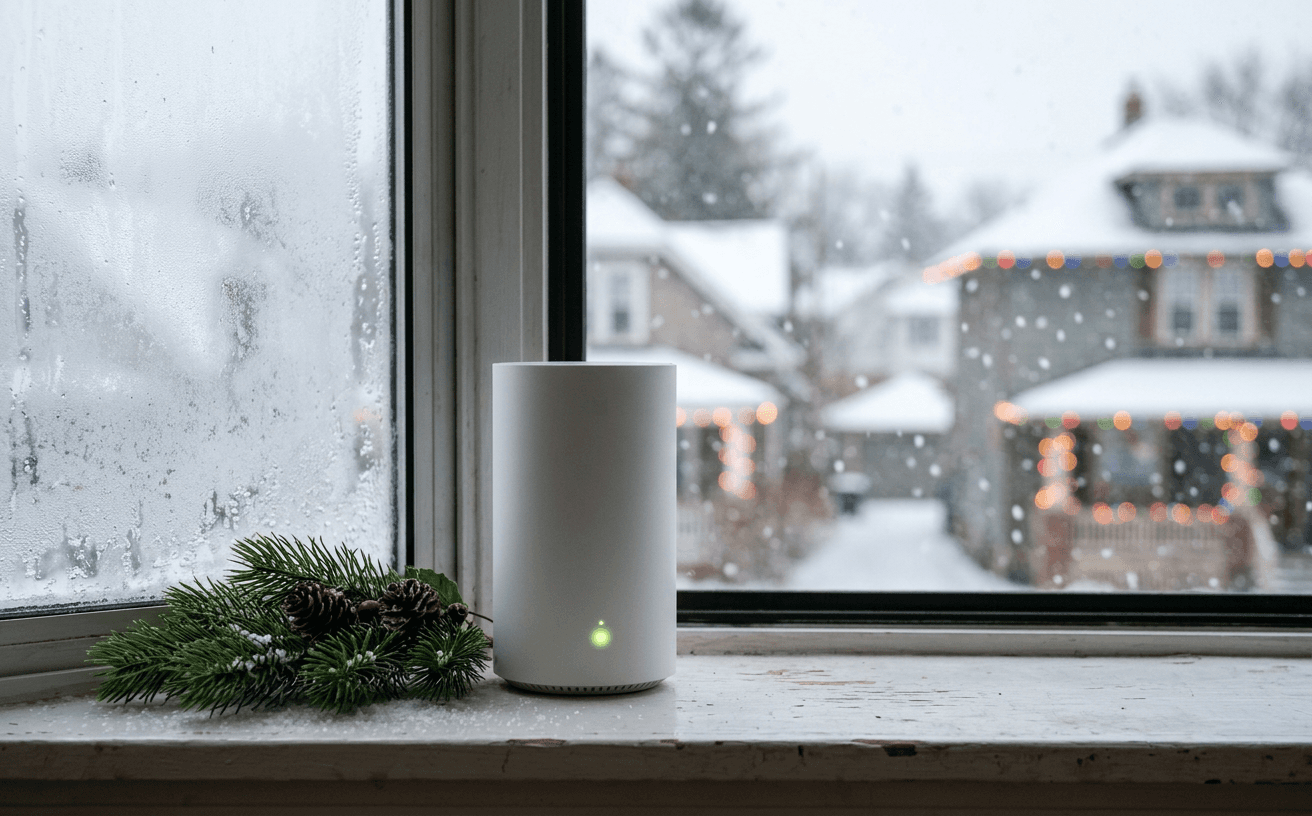
- Place the All-Fi Hub high and near a window that faces the nearest cell site, and use the signal reading in the AT&T setup app to compare a few spots.
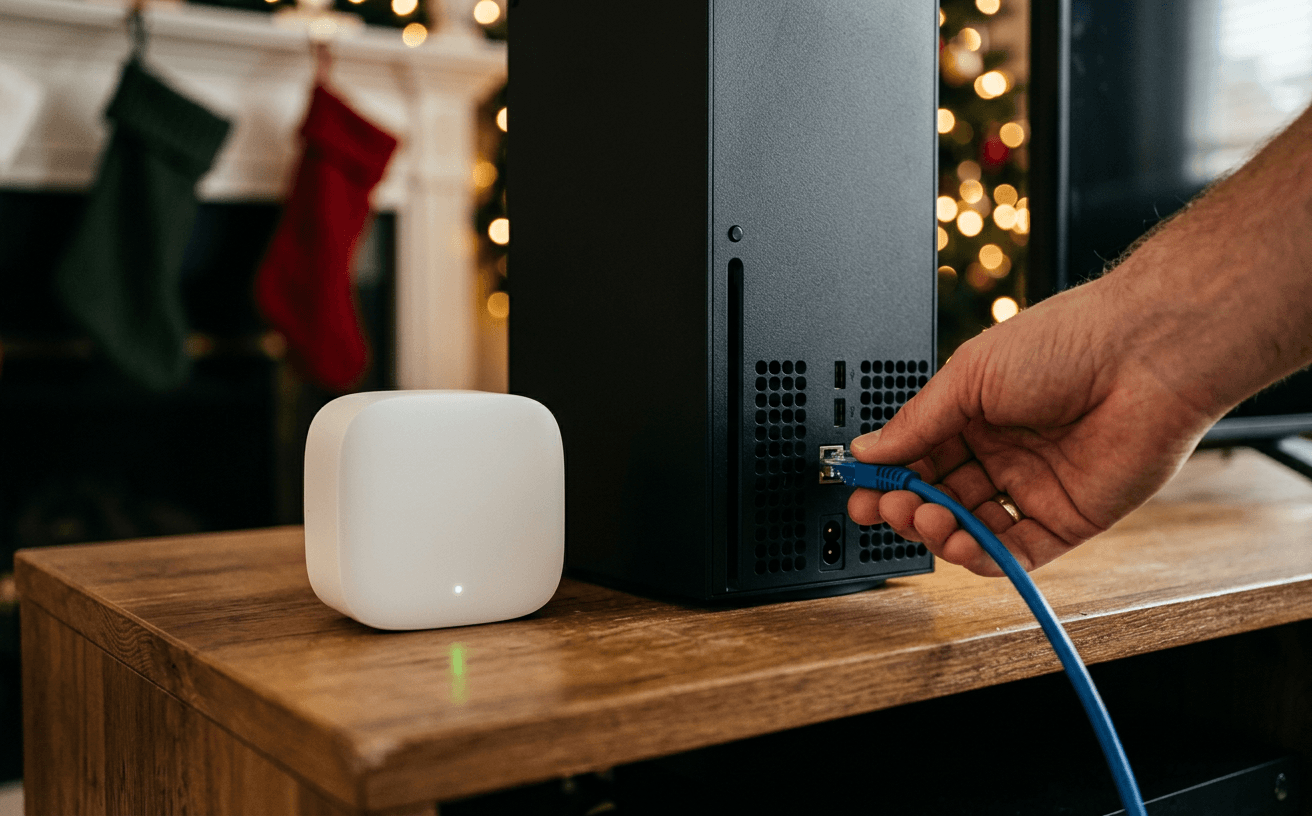
- Connect your console or gaming PC to the hub with an Ethernet cable. Wi-Fi adds its own jitter on top of the 5G link.
- If you must use Wi-Fi, connect on the 5 GHz band and keep the device in the same room as the hub.
- Pause cloud photo backups, large uploads and other downloads while you play. Uploads are the most common cause of bufferbloat on wireless links.
- Schedule big game downloads overnight, when the local cell site is quieter.
- Pick the nearest server region in each game's settings rather than leaving it on automatic.
For more on hub placement, see the placement section of our AT&T Internet Air overview.
Internet Air compared with other connections for gaming
| Connection | Typical latency | Upload | Best fit |
|---|---|---|---|
| Fiber | Usually under 20 ms | Often matches download | Competitive play, streaming, hosting |
| Cable | Usually 15 to 35 ms | Much lower than download | Most online gaming |
| AT&T Internet Air | 69 ms median (Ookla) | 10.1 Mbps median (Ookla) | Casual and co-op play, big downloads |
| Other 5G home internet | 46 to 53 ms medians (Ookla) | 12 to 18 Mbps medians (Ookla) | Similar to Internet Air |
| Geostationary satellite | Often 600 ms or more | Limited | Offline and turn-based games only |
If AT&T Fiber is available at your address, it is the stronger gaming choice from the same company. Where neither fiber nor cable reaches, Internet Air is a large step up from geostationary satellite. You can compare wired options on our internet providers page.
Related pages
FAQs
AT&T questions answered
What ping should I expect on AT&T Internet Air?
Ookla's Q2 2026 data puts the national median at 69 ms. Homes close to a cell site with a clear signal often see lower numbers, while rural and heavily obstructed homes tend to see higher ones, so test at your address during your usual play hours.
Can I get an Open NAT type on AT&T Internet Air?
Usually not. Internet Air uses carrier-grade NAT, which shares a public IP address across many homes. Most games still connect through relay servers, but games that require open ports for hosting or joining lobbies may struggle.
Does AT&T Internet Air work with PlayStation 5 and Xbox Series X|S?
Yes. Both consoles connect to the All-Fi Hub over Wi-Fi or Ethernet like any home network. A wired connection gives steadier ping, and the console's network test will show your NAT type and measured speed.
Is AT&T Internet Air fast enough for cloud gaming services?
Bandwidth is usually sufficient, since cloud services typically ask for 15 to 25 Mbps. The limiting factor is latency, because cloud play adds its own delay on top of the connection's ping. Casual cloud play works; fast competitive titles feel the difference.
Can I plug a gaming PC or console directly into the AT&T Internet Air hub?
Yes. The All-Fi Hub includes Ethernet ports for wired devices. Wiring your main gaming device is the single most effective way to reduce jitter on Internet Air.
Why does my AT&T Internet Air ping spike in the evening?
Evening is peak demand on the cell network, and AT&T's terms allow it to reduce speeds for users contributing to congestion for at least 30 minutes. Uploads from other devices in your home can also cause spikes, so pause backups while you play.
How long does a large game download take on AT&T Internet Air?
At the 160 Mbps national median, a 50 GB game takes about 42 minutes and a 150 GB game a little over two hours. Internet Air has no data cap, so repeated downloads and patches do not carry overage charges.
Is AT&T Internet Air better for gaming than satellite internet?
Compared with geostationary satellite, yes, by a wide margin. Geostationary satellite latency often exceeds 600 ms, which makes most real-time online games impractical, while Internet Air's median is 69 ms.
Does AT&T Internet Air have enough upload to stream gameplay on Twitch or YouTube?
It can handle a 720p stream, but 1080p is tight. Common 1080p bitrates run around 6 Mbps against a 10.1 Mbps median upload, leaving little room for anything else in the home. Streamers are better served by fiber.
Should a competitive gamer choose AT&T Fiber over AT&T Internet Air?
If AT&T Fiber is offered at your address, yes. Fiber typically delivers much lower and steadier latency, matching upload speed and its own public IP address. Internet Air is the alternative where fiber is not built yet.
Sources and methodology
Performance figures are published medians from the sources below, credited where they appear. We did not run our own lab tests for this guide. Prices and data were researched in November 2026; confirm current pricing and availability at your address.
- Speedtest Intelligence reports on U.S. fixed wireless, Q2 2026(opens in a new tab)
Ookla
- AT&T Internet Air plan, pricing and terms(opens in a new tab)
AT&T
- Broadband consumer labels: what providers must disclose(opens in a new tab)
FCC
- National Broadband Map availability lookup(opens in a new tab)
FCC
Symzitech Solutions is an authorized AT&T retailer and may earn a commission on orders. This guide is written independently and is not reviewed or approved by AT&T.
Find out which AT&T service reaches your home
Tell us your address and what you need. An advisor will walk you through the internet, TV, mobile and security options available at your home, with no obligation.
Authorized retailer. Service is provided and billed by the selected provider. Availability and pricing vary by address.